After Effects — Beginner Guide
A complete introduction to After Effects — learn the interface, compositions, keyframe animation, Track Mattes, Pre-Composing, Easy Ease, the Graph Editor, masks, and exporting via Adobe Media Encoder.
16 tutorials — filter by program, skill level, or topic.
A complete introduction to After Effects — learn the interface, compositions, keyframe animation, Track Mattes, Pre-Composing, Easy Ease, the Graph Editor, masks, and exporting via Adobe Media Encoder.
A full beginner walkthrough for AMV editing in DaVinci Resolve — workspace setup, scene splicing, zooms and slides in Fusion, time remapping, camera shakes, color grading, and final compositing.
Understand the difference between color correction and color grading in After Effects — fix white balance with Levels and Lumetri Scopes, avoid crushed values, work in 16-bit, add film grain, and train your eye with a color theory exercise.
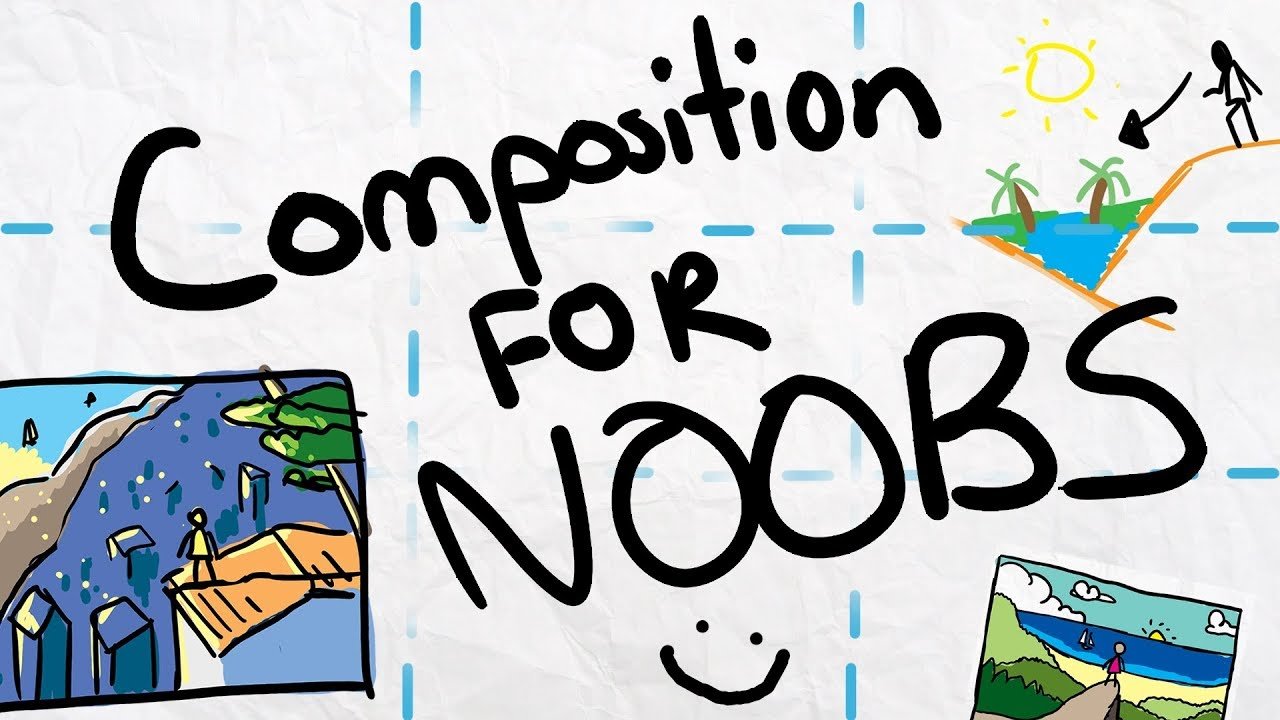
A complete breakdown of the nine core elements of film composition — points, lines, shapes, texture, space, depth, balance, angle, and color — and how directors use each one to direct attention and create meaning.
Learn the core AMV workflow from scratch in DaVinci Resolve — beat-synced cutting with markers, Adjustment Clip transitions, and smooth zoom and slide animations built entirely in Fusion.
A practical breakdown of the three pillars of strong composition — flow, color & focus, and story. Learn rule of thirds, leading lines, negative space, and how to use perspective and lighting to control what the viewer feels.
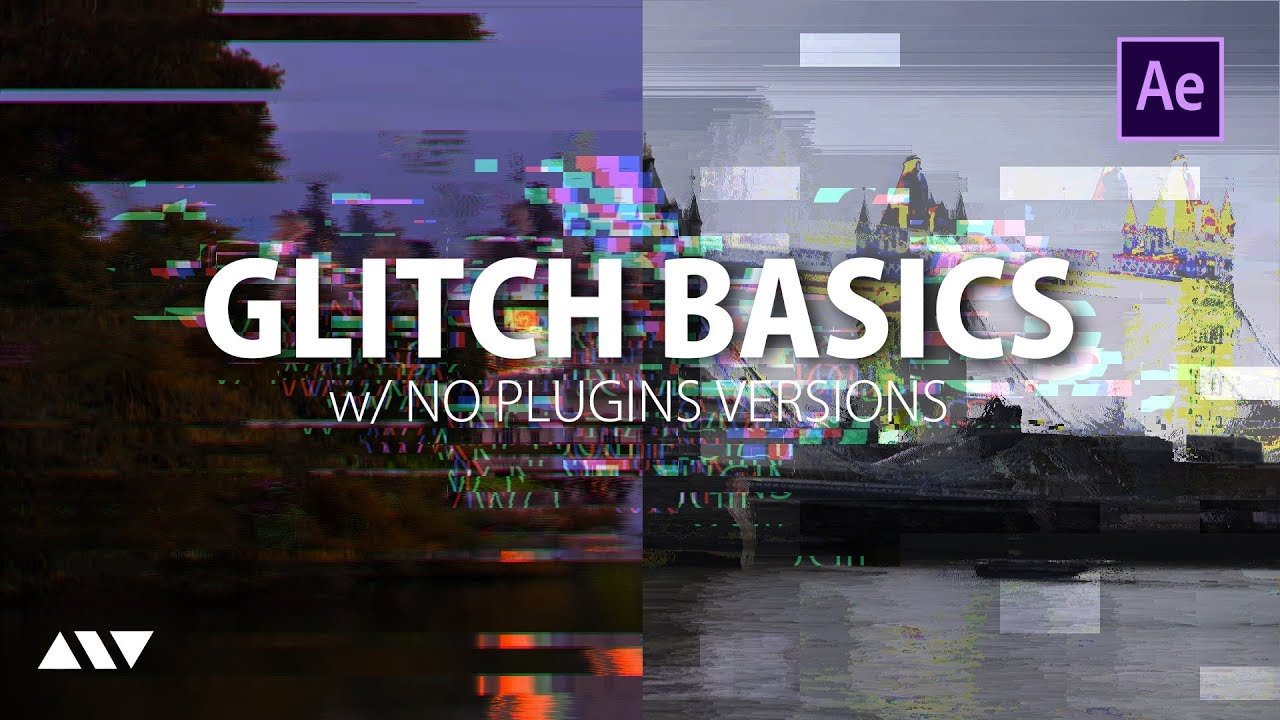
Build a procedural glitch effect from scratch in After Effects — Fractal Noise displacement maps, RGB splitting, expression-driven animation, and an overview of plugin-based workflows.
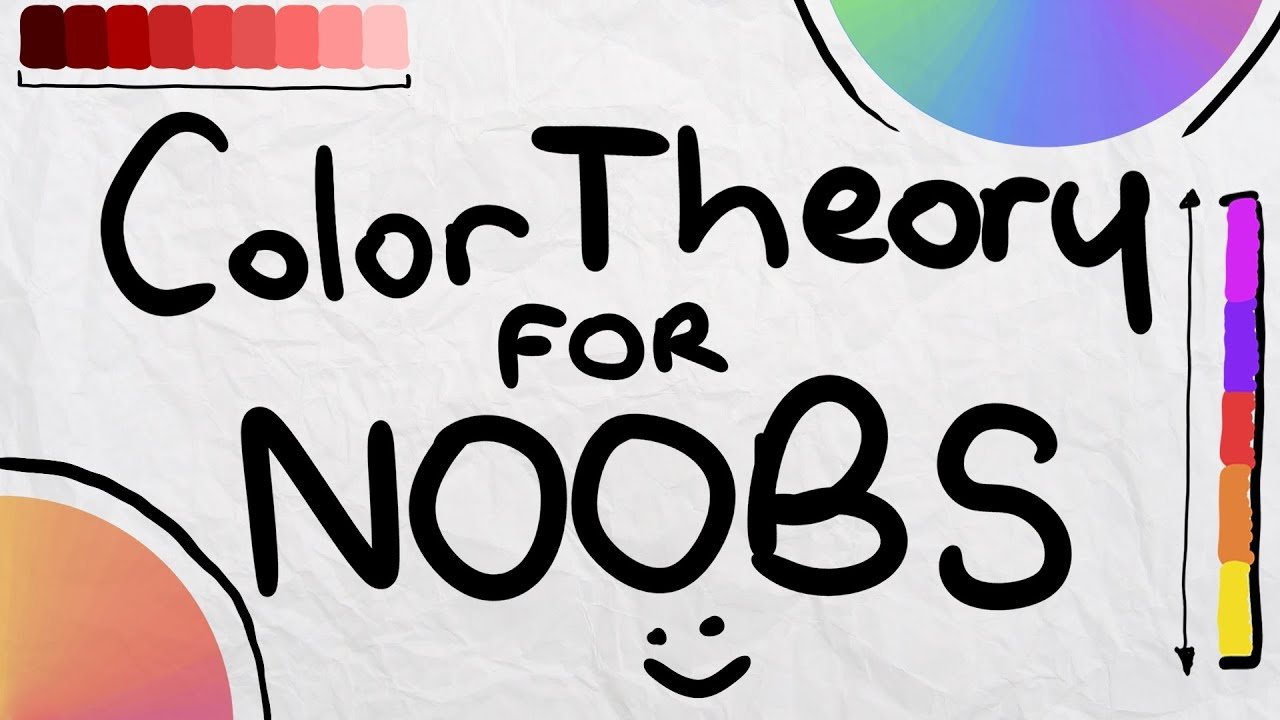
A fast, practical introduction to color theory — hue, saturation, lightness, color harmonies, emotional meaning, and warm vs. cool temperatures. Everything you need to start using color intentionally.
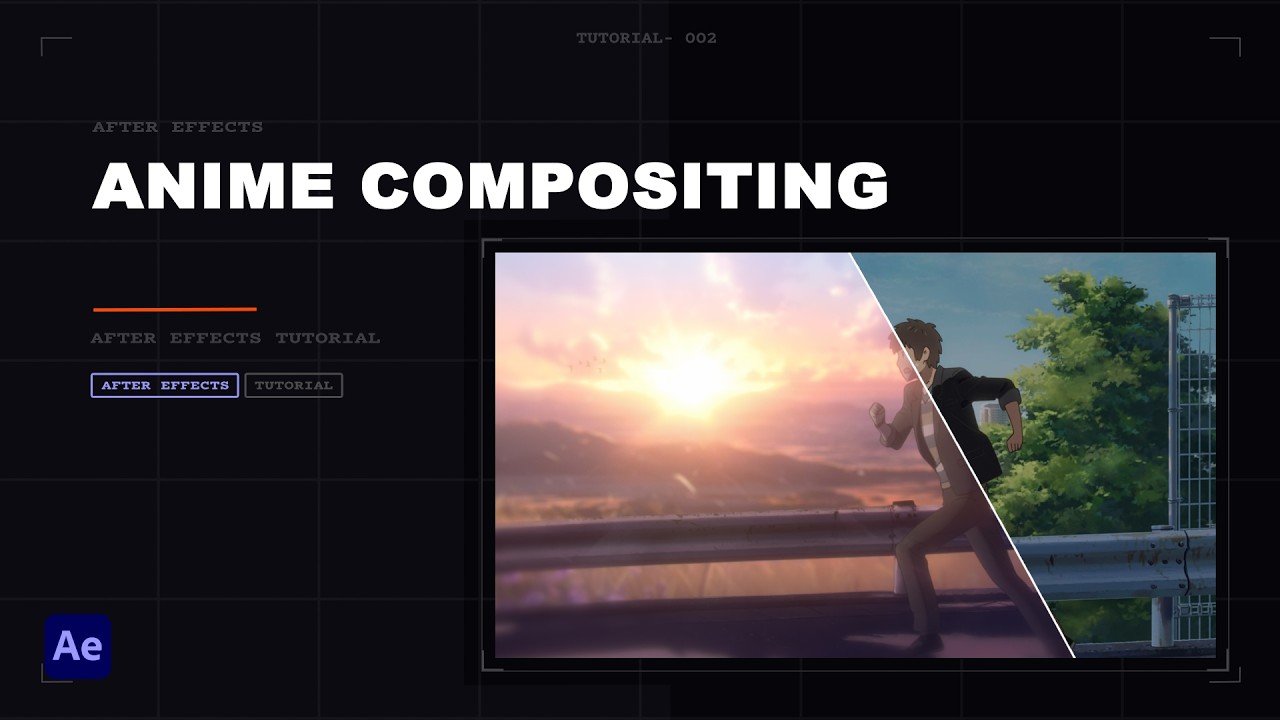
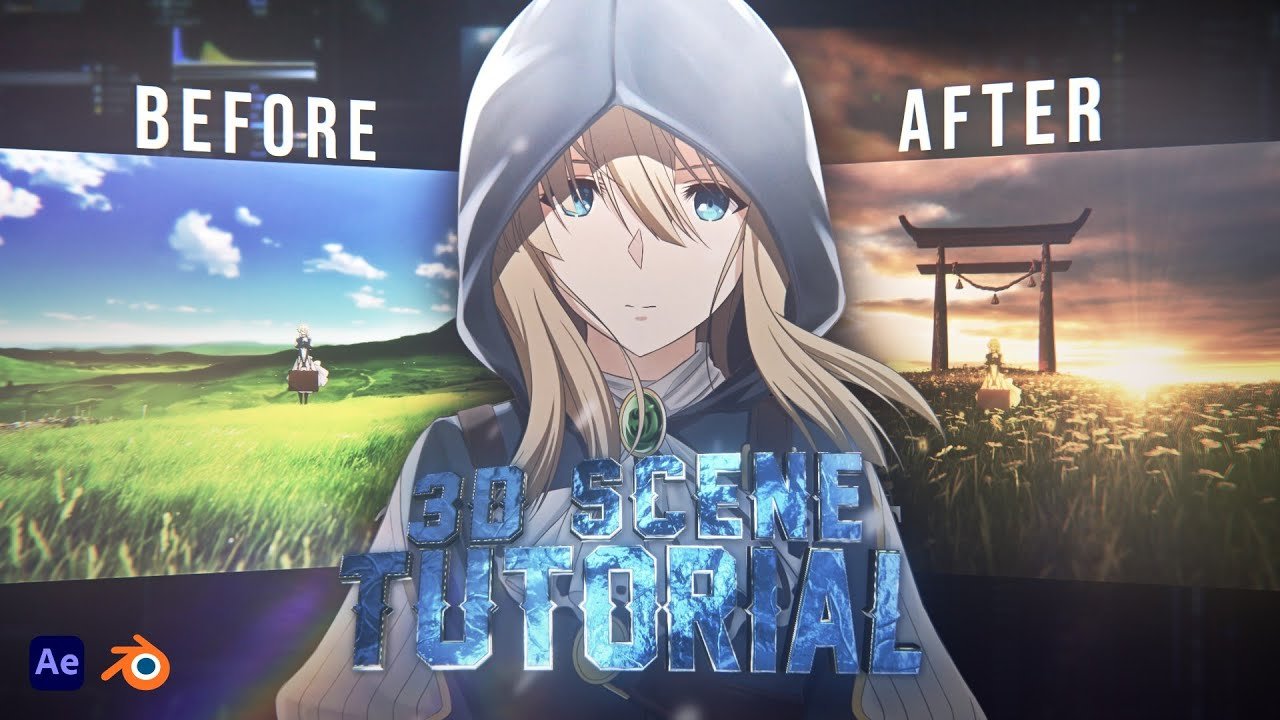
Build a full 3D-looking composite from flat anime footage — parallax environment, depth of field, Luma Matte highlights, and cinematic final grading with Magic Bullet Looks.
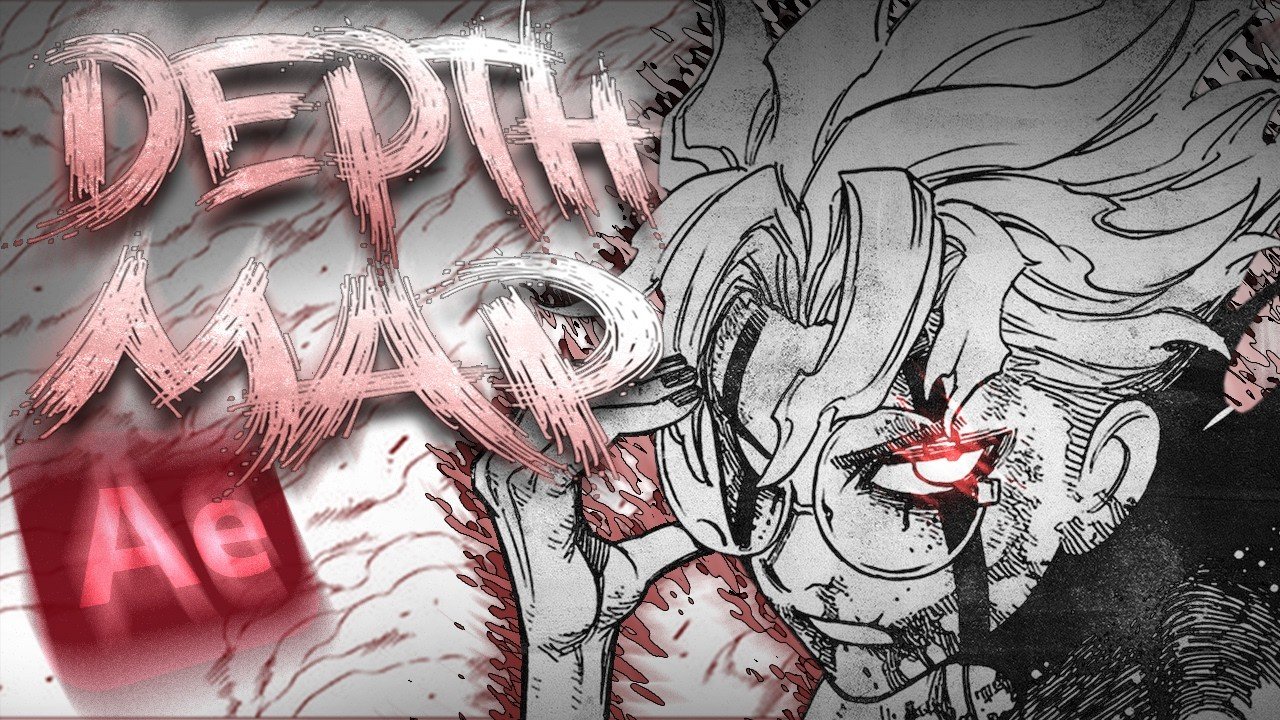
Use a generated depth map and MIR3 to build real 3D geometry from a 2D clip, then throw a point light at it that reacts physically to the depth of the image — no manual masking required.
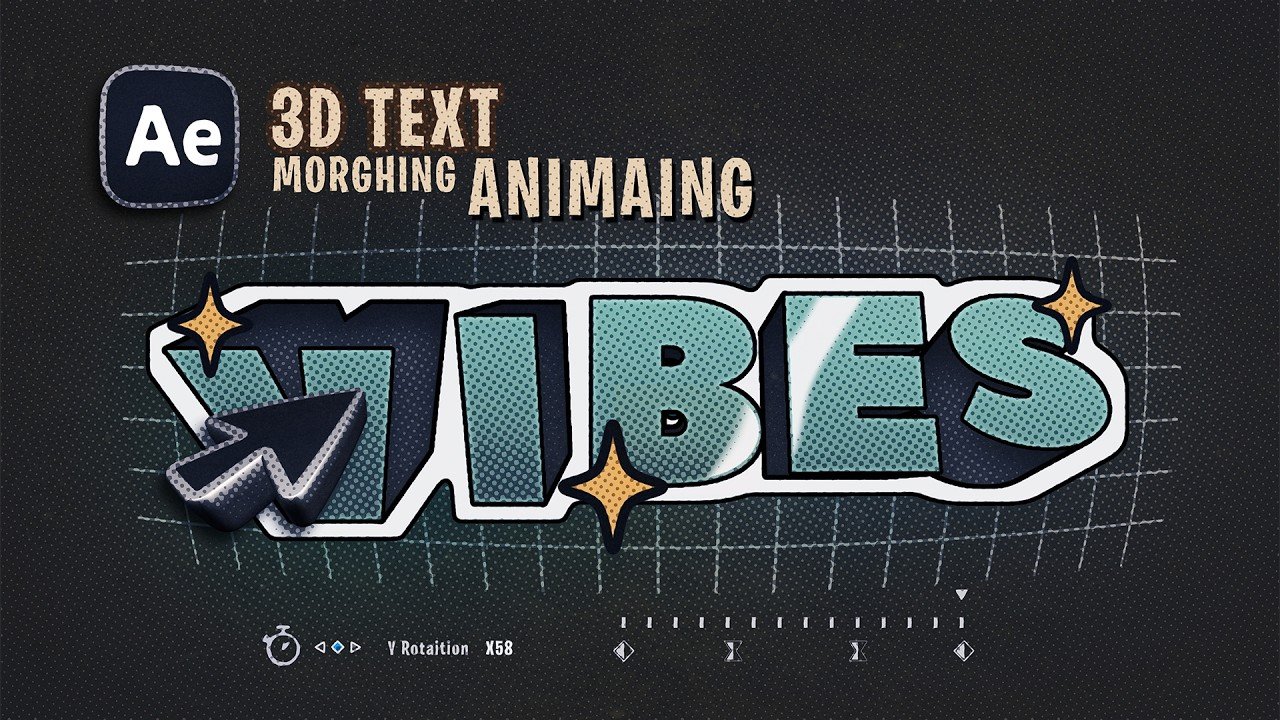
Build extruded 3D text in After Effects, animate each letter rotating on the X-axis, and swap the entire word mid-spin using Source Text keyframes so the change happens while the letters are edge-on and completely invisible.
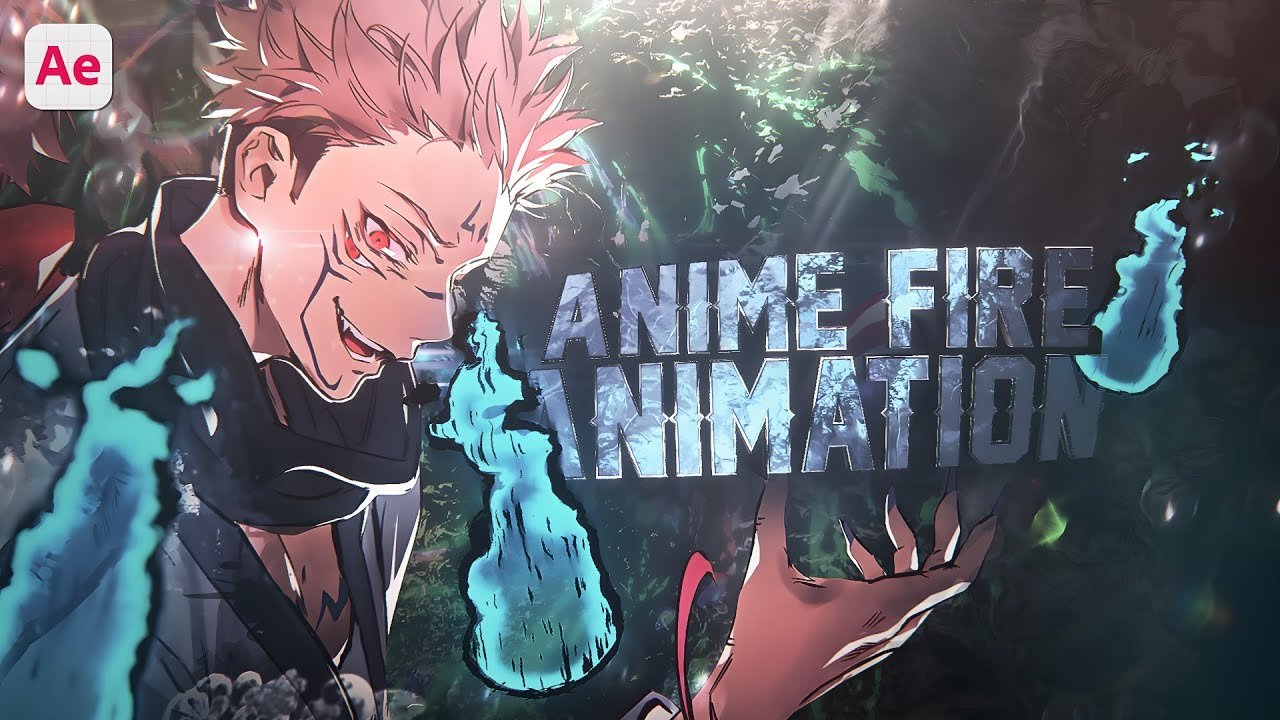
Build a fully procedural anime-style fire effect in After Effects — CC Mr. Mercury for the base animation, cel-shaded outlines, fractal displacement, roughened edges, and heat distortion compositing.
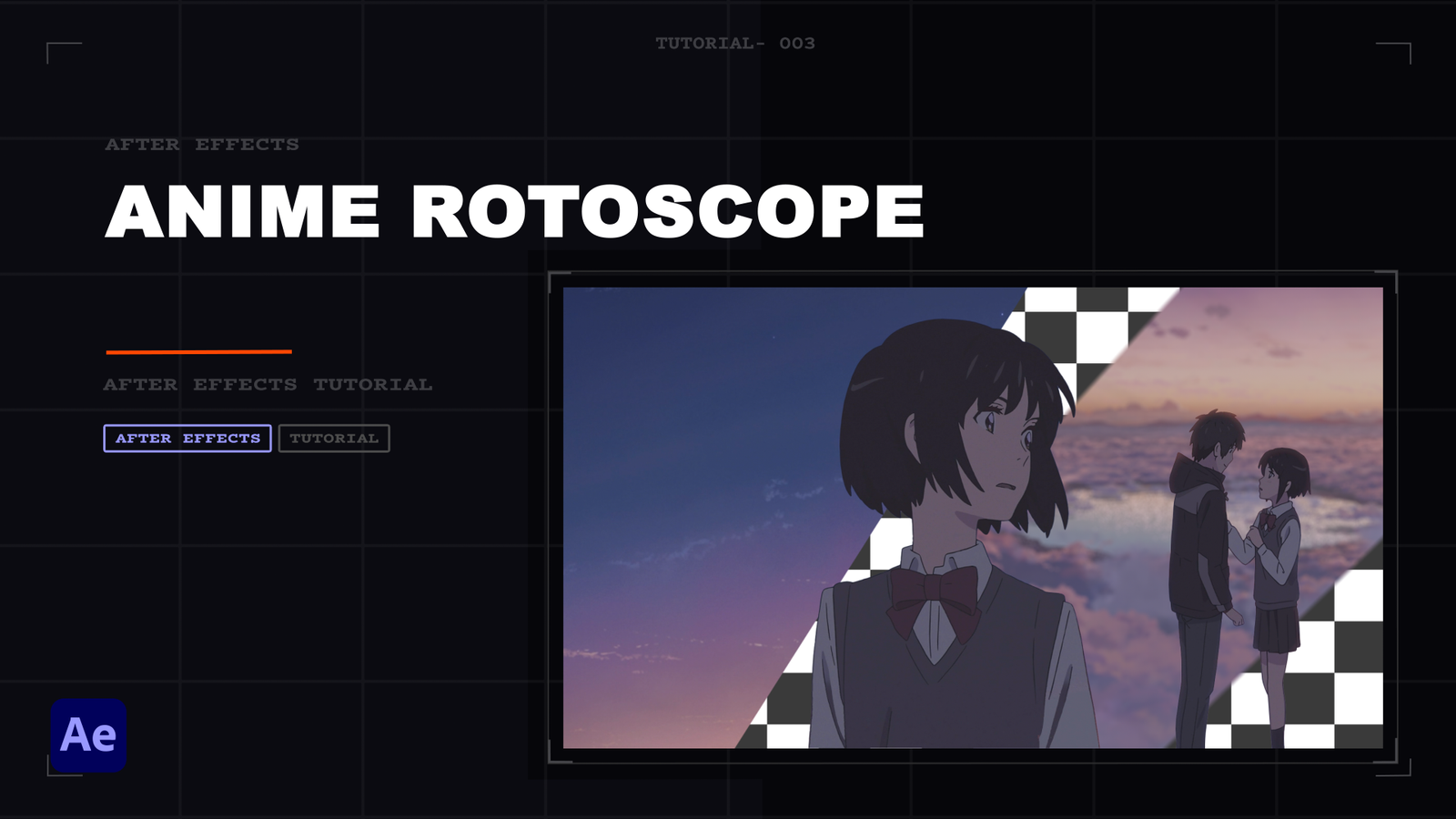
Rotoscope your anime character without using Rotobrush or the Pin tool — an effects based rotoscope technique.
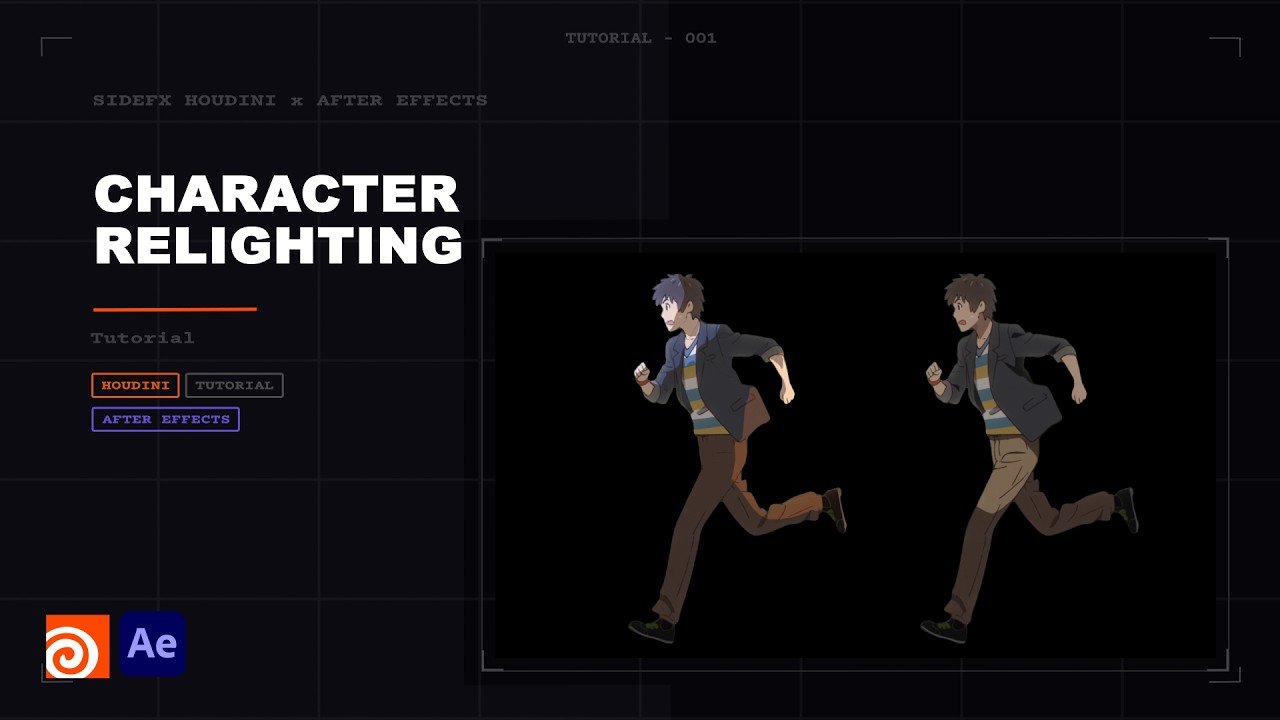
Re-light anime characters using the TFrog Relight script in After Effects and Houdini — custom highlights, Normal Maps, and Luma Matte compositing.
Composite a 2D anime character into a full 3D environment — rotoscope in After Effects with Roto Brush 3.0, build and scatter vegetation in Blender with Eevee, then finish with Magic Bullet Looks color grading back in After Effects.
The complete workflow for slow-motion on anime footage — frame interval math, pre-comping, alt motion sources, FG/BG separation, and CC Force Motion Blur.
Newsletter
No spam. Just a short email when a new tutorial drops.
Feedback
Missing a tutorial? Found a bug? Have a suggestion? Drop it here — no account needed.